A free conversation about your workflow. No obligation to buy.
Tender deadlines, assigned tasks and bid documents in one place. We configure the software for your team or solo workflow, so you can see what remains to be done and who is responsible.
01
Add a procedure
Link import, lots and documents with the case.
02
Assign the work
Tasks with an assigned person and linked files.
03
Track the deadline
Stages, calendar, notifications and change history.
Subscription: PLN 150 net/month for one person · PLN 290 for a team. One-off implementation: PLN 2,500 net. Start with a 14-day PLN 700 net pilot credited towards implementation. Pricing and scope
Prefer to ask a question first? Email us — no form needed.
CONFIGURATION EXAMPLEChoose an industry
Configuration examples, not a closed industry list. We agree your workflow together and configure your company edition around it.
Simplified simulation · app-based appearance · fictitious data · Scenario date: 2 Oct 2026
Configured for your workflowThis is not an empty account you must configure yourself. We agree how your company works and prepare its edition for that workflow.Data and access securityverified Google OAuth sign-in, approved users and encrypted HTTPS/TLS connectionsSolo or teamone shared workspace with the current state of every procedureDesktop + mobilesystem notifications on desktop and in-app mobile notifications
AUTOMATION · LESS RE-TYPING
Automatic data import from a link.
Paste a link, review the proposed record and edit its fields before saving.
From pasting a link and reviewing details to tasks, calendar and notifications. Recorded in an isolated app with fictional data and a simulated BZP response; the mobile scene is a visualisation.
After clicking the film, use ← and → to seek 5 secondsWatch on YouTube ↗
FROM LIST TO ARCHIVE
Capabilities from the working application.
Every point comes from an audit of the current desktop and mobile product.
01
Dates and calendar
Publication date, opening date and a shared procedure calendar.
See which procedure needs attention without checking several spreadsheets.02
Tasks, responsible people and lots
Assign a task to a specific user and link it to a lot, work package or site.
The team sees who owns each action and what is still incomplete.03
Automatic data import from a link
Paste a notice URL to prepare a proposed record from public information.
Coverage depends on the source. Review and edit every field before saving.04
Task-linked files and working folders
Link files to tasks. A separate desktop shortcut opens a working folder; another opens the procedure page.
Keep the right file with the task instead of searching email. Open the working folder with its own shortcut.05
Workflow stages
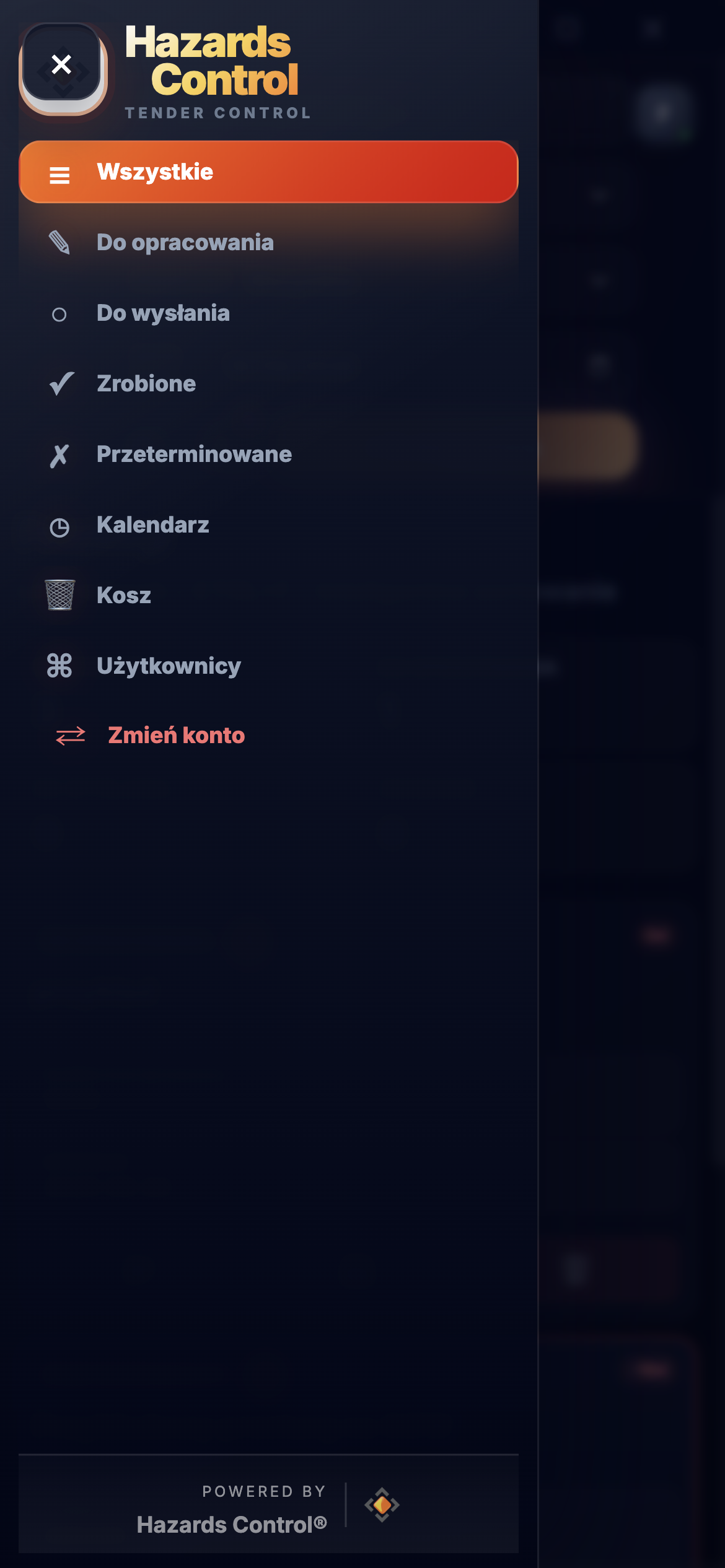
All, in preparation, ready to send, completed and overdue.
See the current bid stage without reconstructing it from messages.06
Procedure change history
View recorded changes, their time and the user who made them.
See who changed what and when, making handovers and checking the current state easier.07
Notifications, trash and backups
Desktop system notifications, in-app mobile notifications, trash and rotating backups.
Keep track of matters needing attention beyond the list view.08
Bid security, samples and team access
Visible formal requirements, amounts and sample counts. Roles and approved-user access.
Keep requirements with the bid; the team does not need a shared password.09
Search, filters and appearance
Search, priorities, dates, sorting, compact view, light and dark themes, and desktop window transparency.
Adapt the view to your workload and working conditions.
READY CORE · OPEN TO FURTHER DEVELOPMENT
Need an additional improvement? Let’s discuss it.
HC Tender Control has a ready scope for day-to-day procedure management. If your workflow needs an additional automation, integration or capability, we can assess it. Additional scope, timing and pricing are always agreed separately.
The workflow stage and days remaining are visible immediately.
Contracting authority
The name makes it clear which procedure the card represents.
Number, link and opening
The number opens the procedure page, while the opening date stays with the case.
Security and samples
Key formal requirements are visible without opening the card.
DO WYSŁANIA!
1d
Zarząd Obiektów Miejskich
NUMER POSTĘPOWANIAZOM/TP/26/2026↗ procedure link
OTWARCIE2026-10-03 · 10:00
💰 12 000 zł📦 4 szt.
Wizja lokalna zakończona. Oferta obejmuje cztery lokalizacje.02.10.2026 • Anna K.
Potwierdzić udział w wizji lokalnej[Dokumenty] Dodać uprawnienia techników👤 oferty@firma-demo.pl📎 uprawnienia-techników.pdf ↗Sprawdzić formularz cenowy
🕘📂📅🗑️
Priority and warning
Red blocks show priority; the exclamation mark flags unfinished tasks.
Notes and history
Context and the author of the latest change remain with the procedure.
Tasks, people and files
See the work package, assigned person and linked files for a task.
History and quick actions
Check changes, open the folder, edit the date or move the case to Trash.
A recreation of the full, non-compact card in the current Hazards Control application. Data is fictitious. Task-linked files are visible with the task; other attachments stay in the details. The desktop folder shortcut is separate.
ONE OPERATING VIEW
The system organises information that currently lives in several places.
HC Tender Control gives the whole team one convenient workspace. Everyone can immediately check the current stage, deadline, tasks, attachments and next action — reducing repeated status questions and internal email exchanges.
✓
Verified Google OAuth sign-in
The OAuth configuration used by HC Tender Control has passed Google verification. First sign-in uses the standard consent screen with a clear permission scope.
HC TENDER CONTROLone card: stage · deadline · tasks · documents · next action
These are examples of places where information may be scattered today — you do not need to use all of them. HC Tender Control gives you one organised working view.
MOBILE · TEN SAM PROCES
Check a deadline and status outside the office.
The mobile app shows the same procedures, stages, tasks and documents as desktop. It is useful during site visits, conversations with technicians or a quick deadline check.
DESKTOPSystem notificationsA notification can appear on the computer even outside the app window.MOBILEIn-app notificationsImportant dates and items needing attention are visible inside the mobile app.
you need an organised workflow, not just another account
A DIFFERENT TYPE OF TOOL
What this product does not replace
your only need is BZP/TED monitoring
you expect automatic analysis and a complete written bid
the system must sign and submit documents itself
on-premise deployment is an immediate requirement
you need a completely bespoke product built from scratch
PRICE AND SCOPE
Start with a demo. Then choose one of two launch paths.
01
Free consultation and demo
0 zł
We show the working product and assess whether it fits your workflow. No obligation.
02CREDITED TOWARDS IMPLEMENTATION
Company-branded pilot
700 zł netto
14 days with the agreed configuration. If you continue, a one-off PLN 1,800 remains for implementation.
03ONE-OFF FEE
Direct implementation
2 500 zł netto
Includes the agreed brand and workflow configuration, environment setup and administrator access handover.
04COMPANY SUBSCRIPTION
Team subscription
290 zł netto/mies.
Single-user option150 zł net/month
Fixed monthly price. No card or automatic charges — payment by invoice.
Choose how to start: a PLN 700 pilot + PLN 1,800 balance or direct implementation for PLN 2,500. After launch: the company subscription is PLN 290 net/month, while the single-user option is PLN 150 net/month. First confirm that the launched edition works: no card or pro forma invoice is required; payments are settled by standard invoices.
Included in the subscription
access to the agreed company edition
necessary security and technical compatibility updates
maintenance of the agreed configuration and rotating backups
Standard data storage: the price includes a basic total allowance of up to 15 GB for application data.
ALTERNATIVE WITHOUT A SUBSCRIPTION · ALWAYS AVAILABLE
FOR COMPANIES THAT PREFER A ONE-OFF PURCHASE
Perpetual licence for the agreed version
For one company. It covers the version agreed during implementation; new modules and future features are quoted separately.
17 900 zł netto jednorazowo
Optional continuity care: PLN 900 net/year — necessary security and technical compatibility fixes that keep the agreed version operational. No new features or guaranteed SLA.
Standard implementation
company logo, product name and agreed colour palette
agreed field labels, views, stages and notification logic
company environment setup and administrator access handover
help moving several agreed current procedures for launch
short administrator training covering configuration and daily operation
one agreed configuration revision after the implementation review
attachments and an optional shortcut to a folder on a specific computer
Is this tender-team software or a tender search engine?
HC Tender Control organises bids for procedures your company decides to enter. It keeps deadlines, tasks, responsibilities and documents together. Keep your existing source of notices; import coverage depends on the platform. It does not produce cost estimates or submit bids for you.
What does configuring the system for our company mean?
We agree the information you track, bid-preparation stages, key dates and reminders. We configure the agreed fields, views, stages, notifications and branding using existing capabilities. A pilot lets you test the workflow in daily work. New modules and integrations require a separate agreement.
What should I prepare for an implementation conversation?
Start with a brief explanation of how you manage procedures and what you want to improve. No presentation or confidential bid documents are needed. Email us or book a free conversation; a paid pilot is a separate, optional step.
Industry examples, not product limits.
In another industry? If you prepare bids and track dates, tasks and documents, we can check how the product fits your work. We configure existing capabilities; new modules and integrations require a separate agreement.
NEXT STEP
Tell us how you prepare bids. Let’s agree an implementation approach.
We implement a ready tender-workflow system configured to your company. In a free conversation we will show the real product using a similar example, without requiring confidential documents.

 Windows
 macOS
macOS Linux
Linux Android
 Email (e.g. Gmail)
 Calendar (e.g. Google)
 Spreadsheets (e.g. Sheets)
 Folders (e.g. Drive)